Starting LifeDashboard: A Dashboard Built Around Your Widgets
— Tools
I’m starting development of LifeDashboard, a personal application that runs on your own computer and brings the information you care about into one customizable dashboard.
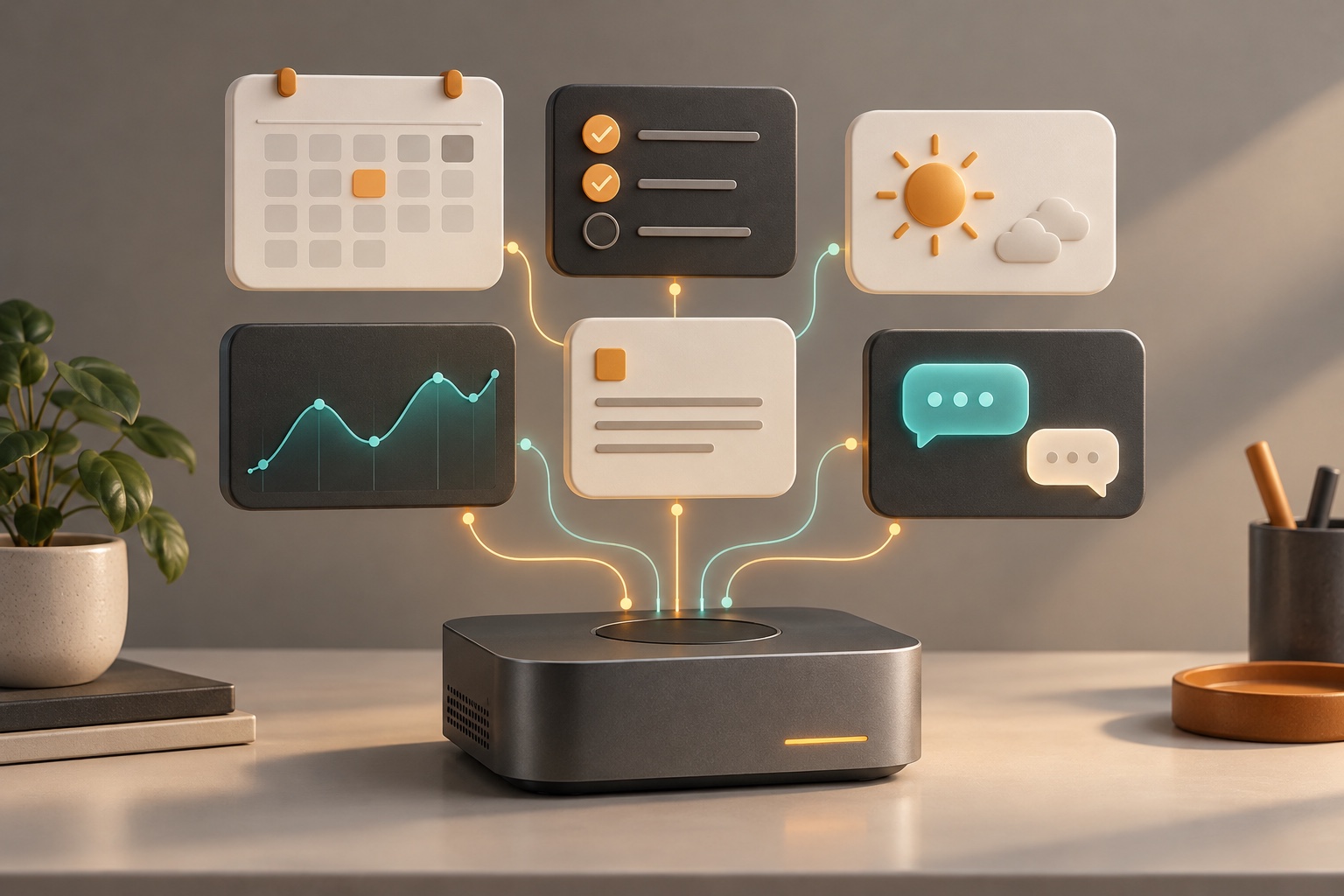
The idea is simple: choose your widgets, arrange your workspace, and show only what matters to you. A widget might display tasks, notes, a calendar, weather, project updates, or information from a local tool or an external service. You decide which sources to connect and what deserves space on your screen.
Build the widgets you need
Custom widgets can be developed with an AI coding agent. Claude Code is my preferred option; Codex and Hermes Agent are alternatives. Describe the information, behavior, and appearance you want, review the generated widget, and approve a UI that fits the way you work. You can then adapt its layout and presentation as your needs change.
Bring your own Hermes Agent
A planned Hermes Agent widget will let you connect your own agent and interact with it directly from the dashboard. The aim is to keep your assistant beside your tasks and project information, with an interface you choose and approve. Hermes may run on your computer or on a trusted server you control.
LifeDashboard is in active development. I’m building the core widget system first, then expanding integrations and everyday features. The examples above describe the direction of the project as it grows.
Follow development on GitHub: LifeDashboard repository.